I have for quite some time now been thinking about measuring the water temperature in Lake Vättern. One step on the way was the temperature sensor in the much smaller lake Rocksjön that’s located in Jönköping. That was back in 2013-12 years ago-and I have not done anything since then relating to LoRaWAN and temperature sensing. But this summer, I got inspired again and bought a handful of RP2040-LoRa Development Boards from Waveshare. They use the SX1262 LoRa modules, and I figured it would be a lot easier to implement stable battery-powered sensors with these modern boards instead of the old Adafruit Feather M0 boards I used back in the day.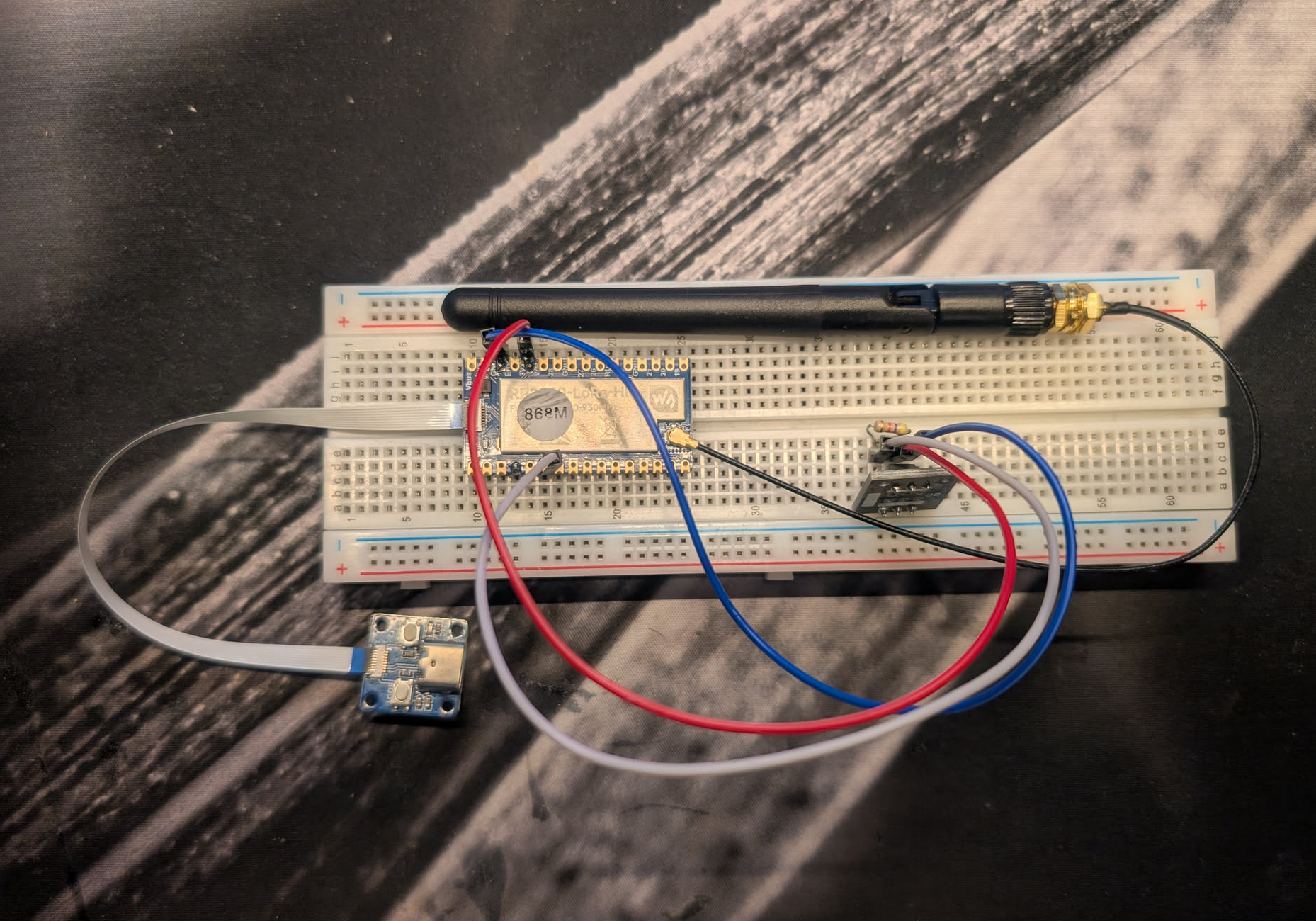
I was wrong.
After two days of trying to get various sample and demo code working on the Waveshare boards, my frustration was hitting the ceiling. Since I was using my own home built TTN Gateway that I hadn’t fully tested yet, I wasn’t even sure if the problem was the sensor or the gateway. With two unknowns and my inspiration running out, I went back to my drawers and dug out one of the old Feather M0 868MHz boards.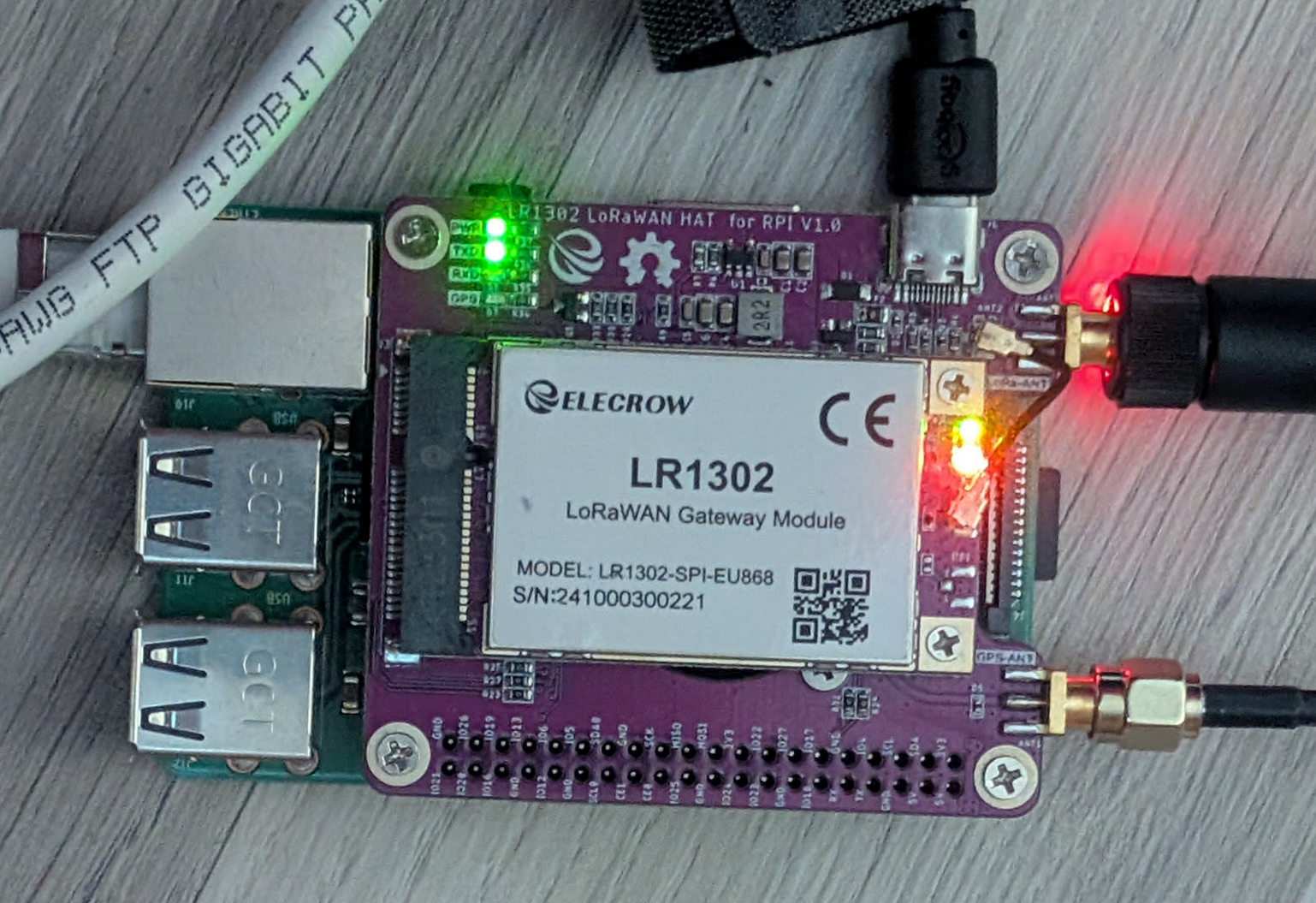
There is a lot more community code for the M0/RFM95 combo than the newer Waveshare hardware. Within just a few hours, I had it set up, working, and-most importantly-verifying that the gateway was behaving exactly as expected.
Back to Waveshare.
With the knowledge that the gateway was working, I went back to the RP2040. My gateway isn’t exactly a “plug-and-play” consumer box; it is a homebuilt stack consisting of an Elecrow LR1302 LoRaWAN module sitting on a dedicated HAT for a Raspberry Pi 3.
Since the LR1302 is an industrial-grade concentrator based on the Semtech SX1302 chip, it can handle eight channels simultaneously. However, because I was running this on a Pi 3, I had to be sure my SPI configuration and the packet-forwarder service were stable before I could trust it to benchmark the new Waveshare boards. Once the Feather M0 proved the gateway was receiving and forwarding packets to TTN correctly, I could finally isolate the remaining issues on the RP2040 side.
After several more hours of fighting with SPI pin assignments and library quirks, I finally got it to talk to the network. While the modern stack is powerful, getting it there is significantly more complex than the M0 was.
If you are thinking of making the same jump, here are the problems I encountered and how I solved them.
The M0 Implementation: The Old Reliable
The Adafruit Feather M0 is still a fantastic board, but it’s “opinionated.” To get it on The Things Network (TTN), you can’t just use any library.
The Library Trap: I found that vanilla LMIC libraries often fail with timing issues on the M0. You absolutely must use the huebe/arduino-lmic fork. It handles the slower SPI speeds the RFM95 needs and has the radio settings tuned for the Feather.
The Secret Wire: Don’t forget the physical bridge. You have to solder a wire from DIO1 to D6. Without this, the chip can’t “hear” the network’s response, and you’ll never complete a Join request.
Persistence: I used FlashStorage to keep the session alive. This is critical-if your device sleeps and loses its frame counter (FCnt), TTN will reject your next packet as a security risk.
The RP2040 Implementation: Modern But Moody
The Waveshare RP2040-LoRa is a beautiful single-PCB solution, but the “automatic” tools often fail because of how Waveshare wired the board.
- The MISO Ghost
The biggest hurdle was SPI. On this board, MISO is fixed to GP24. Most libraries expect it on GP12 or GP16. If you don’t explicitly tell the code where MISO is before initializing the radio, you’ll get the dreaded CHIP_NOT_FOUND (-2) error. - The Antenna Switch (ANT_SW)
The SX1262 chip on this board uses an active antenna switch on GP17. If you don’t configure this correctly, the radio will “broadcast” but nothing will actually reach the antenna. You have to set up a specific switch table where the pin is Low for TX and High for RX. - Join Failures (-1116)
I spent hours seeing “Join Failed” on the device while seeing “Join Accepted” on the TTN console. This usually means the device missed the “Join Accept” message because it wasn’t listening at exactly the right millisecond. The fix? I implemented a retry loop that attempts the OTAA activation three times before giving up. - Credential Headaches
On the M0, we use little-endian arrays. On the RP2040 with RadioLib, I found it much more stable to use uint64_t literals for the EUIs.
M0 vs. RP2040: The Comparison
| Feature | Feather M0 (SX1276) | Waveshare RP2040 (SX1262) |
| Flow | Event-driven (Callbacks) | Return-code driven (Procedural) |
| Timing | Sensitive (Needs os_runloop) | Robust (Managed by RadioLib) |
| Complexity | Low (with the right library) | High (requires manual SPI config) |
| RTC | Internal (Built-in) | Software-only (No hardware RTC) |
Harmonizing the Data
Even though the boards are different, I wanted the data to be identical. I developed a shared 5-byte LogEntry format. Both boards now use a “Tick” system-counting minutes since January 1st, 2025.
This means my TTN decoder doesn’t care which board is sending the data; it just sees a 24-bit timestamp and a 16-bit temperature value. It allows me to mix and match hardware in the field while keeping my backend logic clean.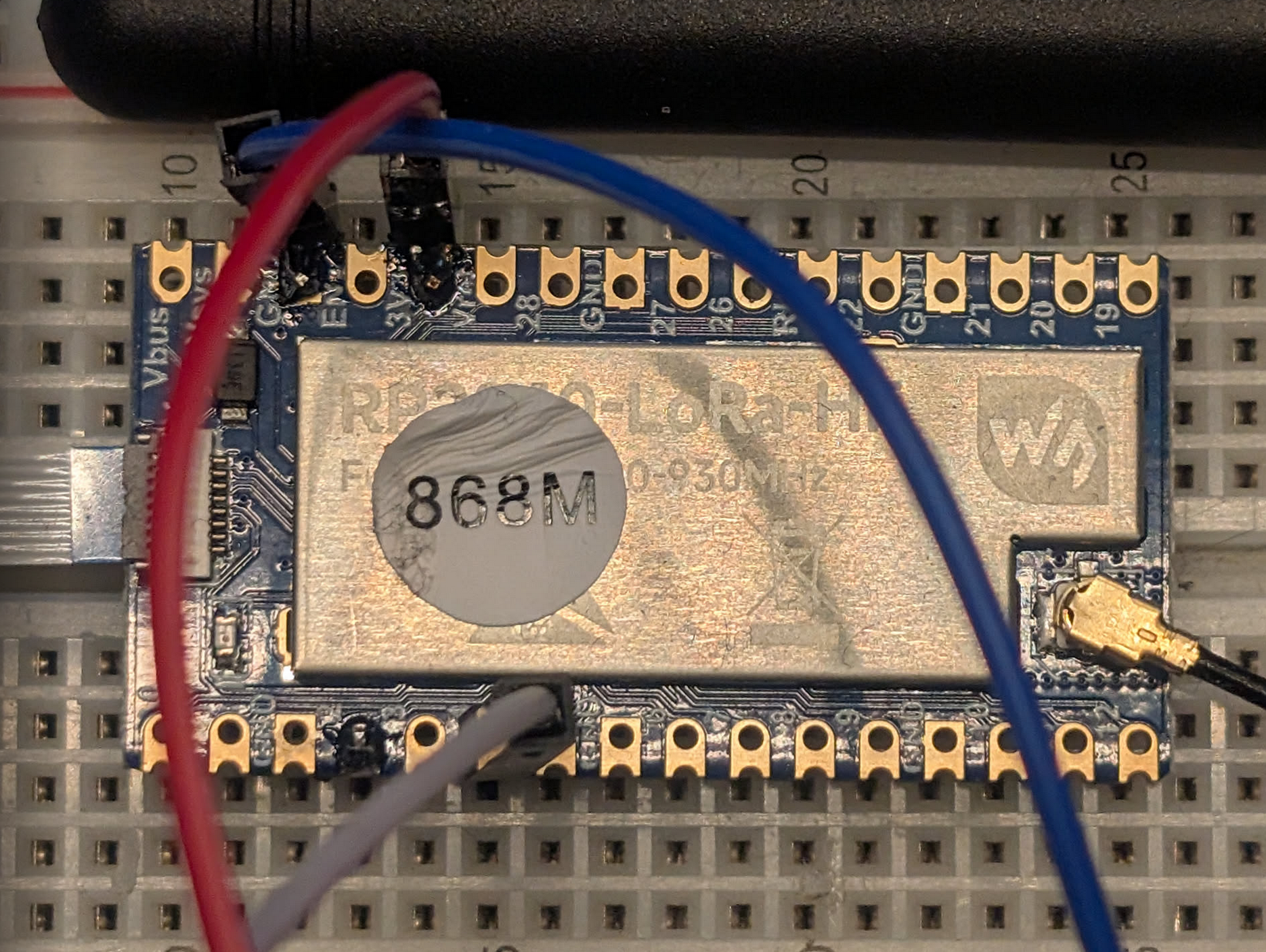
Final Thoughts
The Waveshare RP2040 is undoubtedly the more powerful board, but the SPI pin requirements make it a steeper climb for beginners. If you want something that “just works” out of the box with years of forum posts to back you up, the Feather M0 is still the king. But if you need the extra RAM and the efficiency of the SX1262, the RP2040 is worth the struggle-as long as you remember to set your MISO pin to 24!
This is just the start of the renewed interested in Lora, sensors and radio-stuff. You will find more posts on the subject using the tag Water-Temp-Lora.
And if you’re interested in creating your own sensors the code are available here for Adafruit Feather m0 and Waveshare RP2040-Lora.